Docs
FeaturesTutorialsRelease notesFAQ
ScenariosDownloadContact
English
中文English
Get Started
FeaturesTutorialsTips & guidesRelease notesFAQScenariosDownloadContact中文
  1. Home/
  2. Tutorials/
  3. Get a model API/
  4. Get a MiniMax API Key
Get a MiniMax API Key

Get a MiniMax API Key

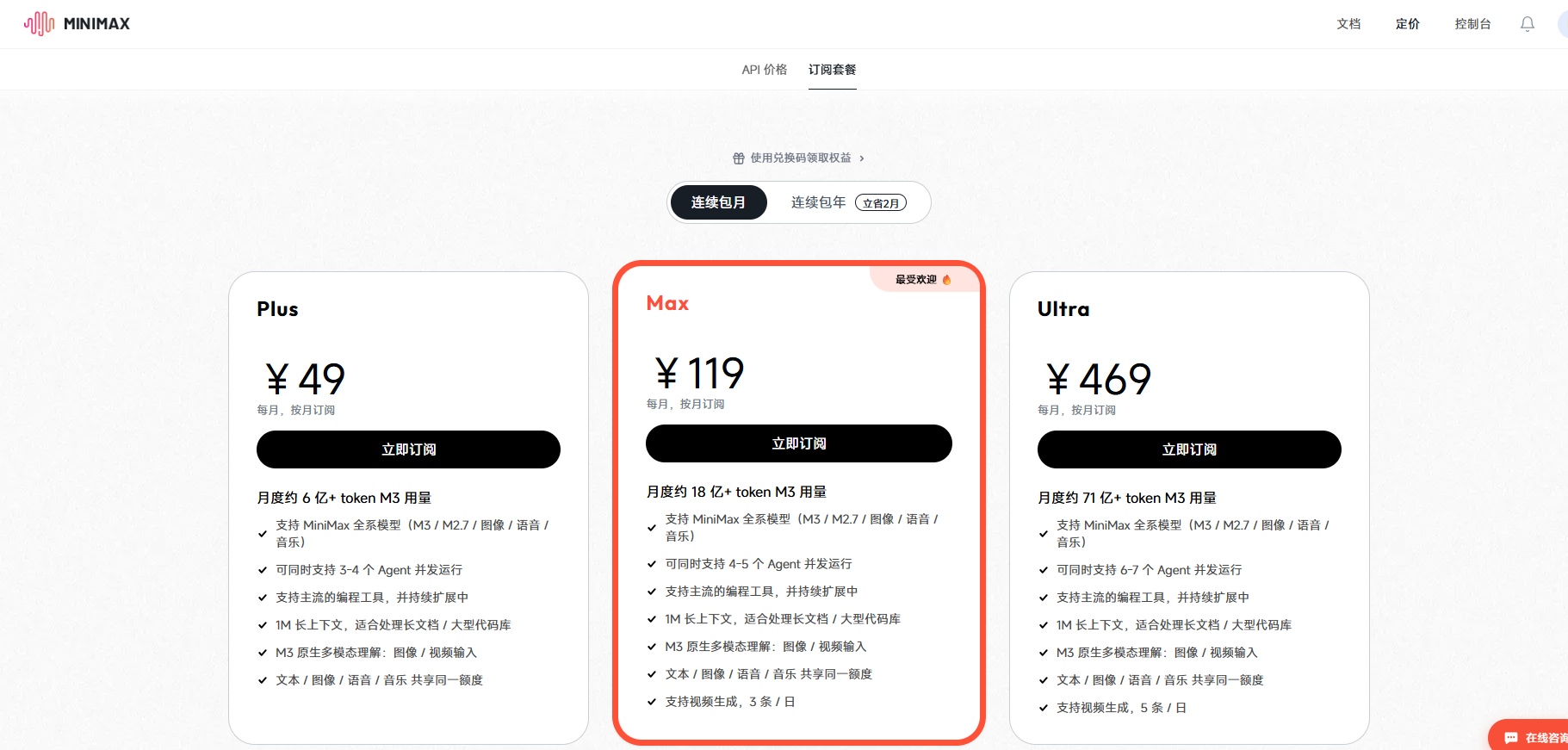
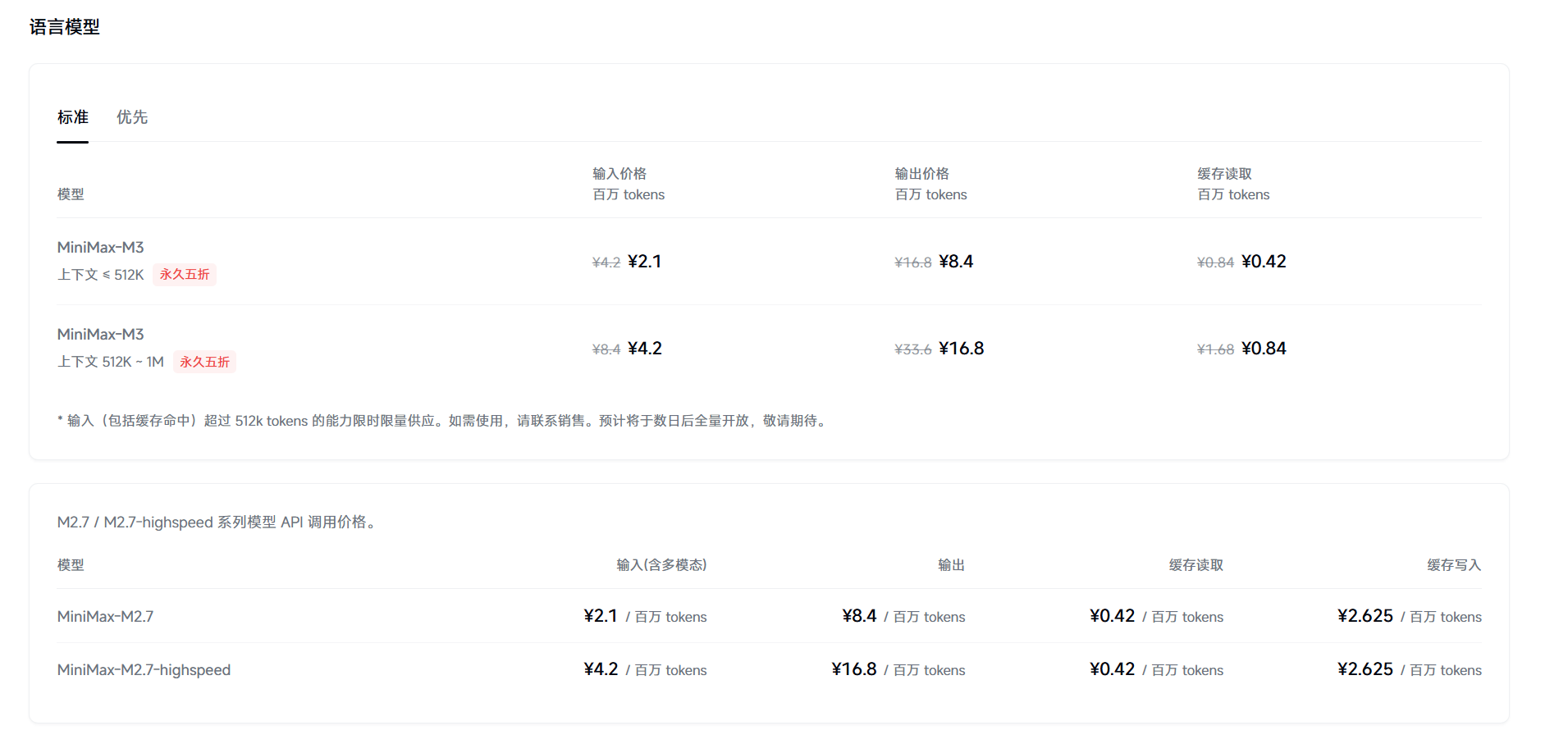
MiniMax offers Token Plan, Credits, and pay-as-you-go. Those key types are not interchangeable.

Step 1: Pick a billing path
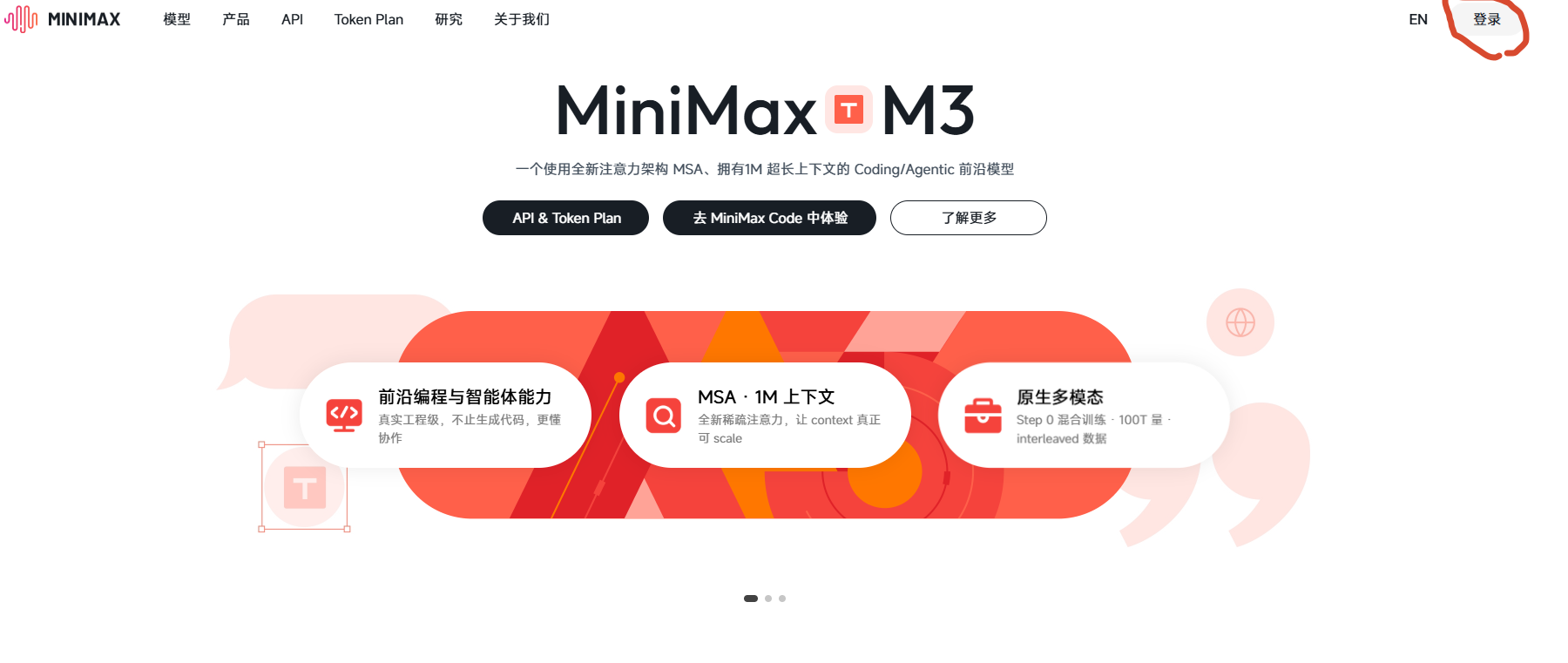
Overview

Step 2: Sign in

Use platform.minimaxi.com or platform.minimax.io.
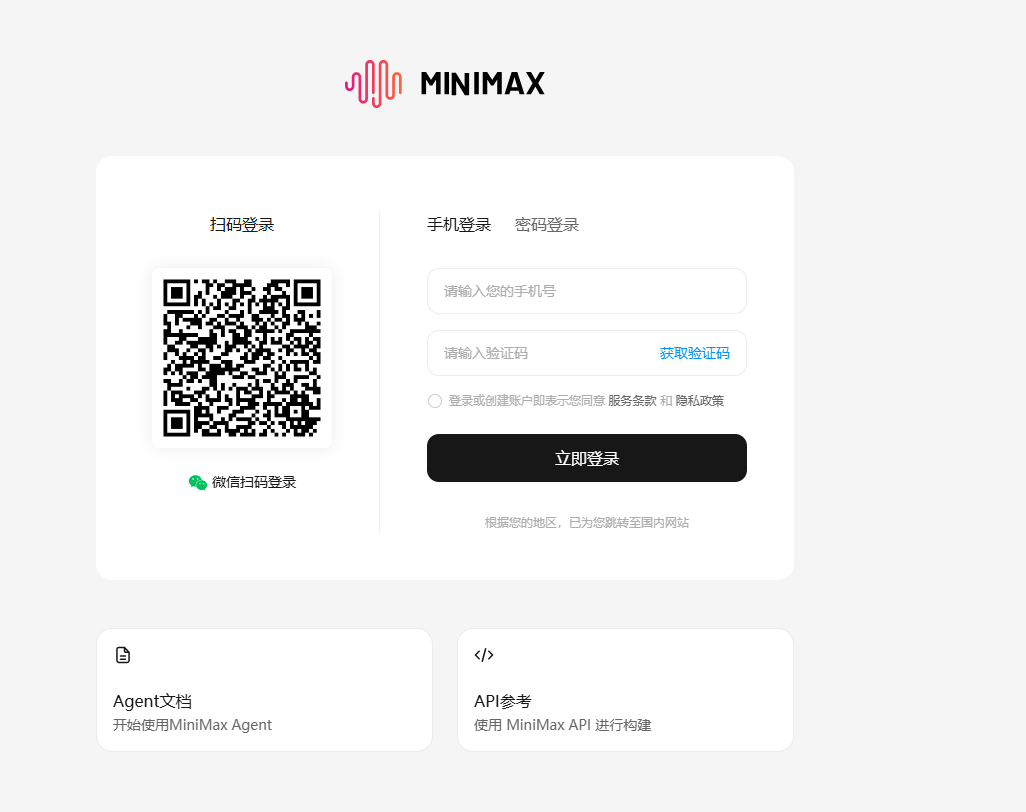
Login

Step 3: Subscribe or add Credits

Token Plan

Pricing

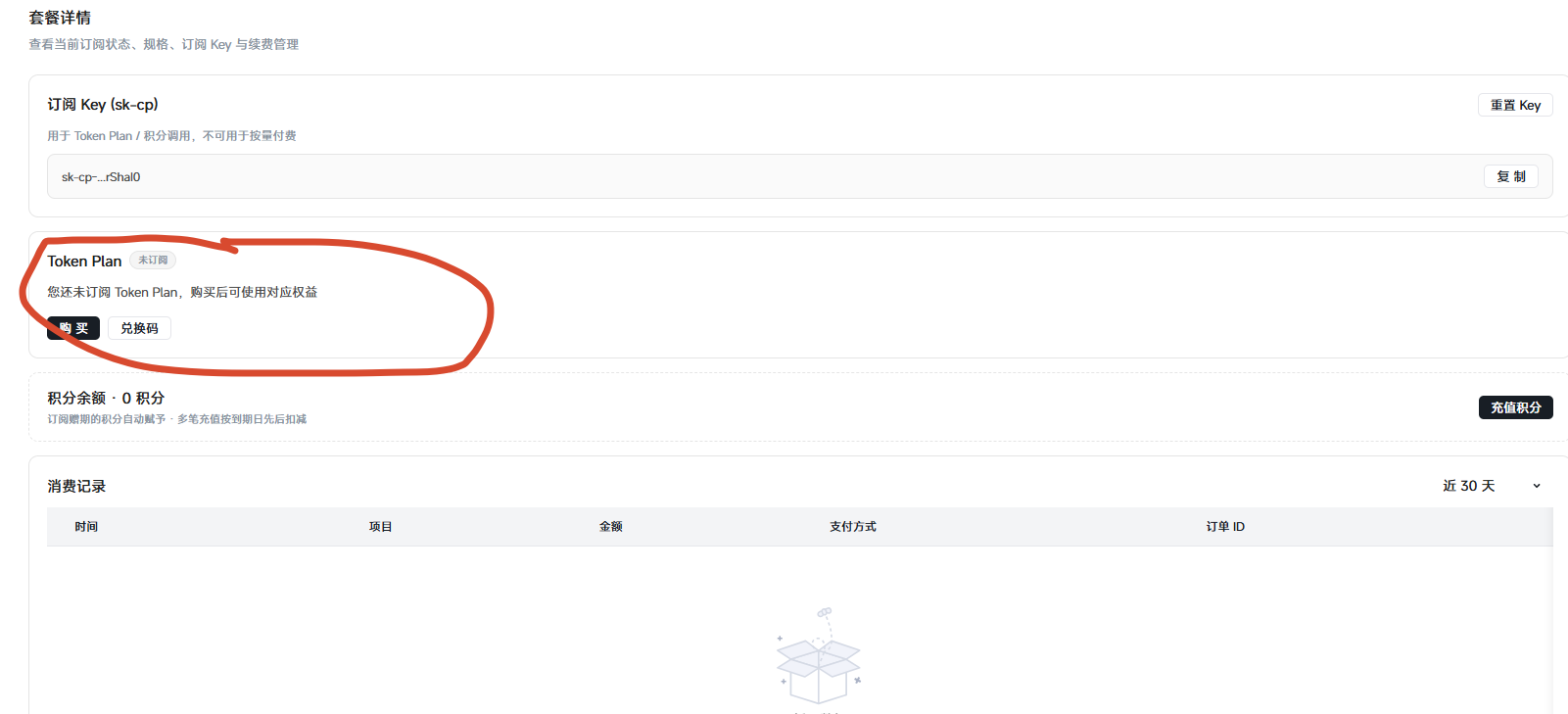
Step 4: Create the matching key

API key

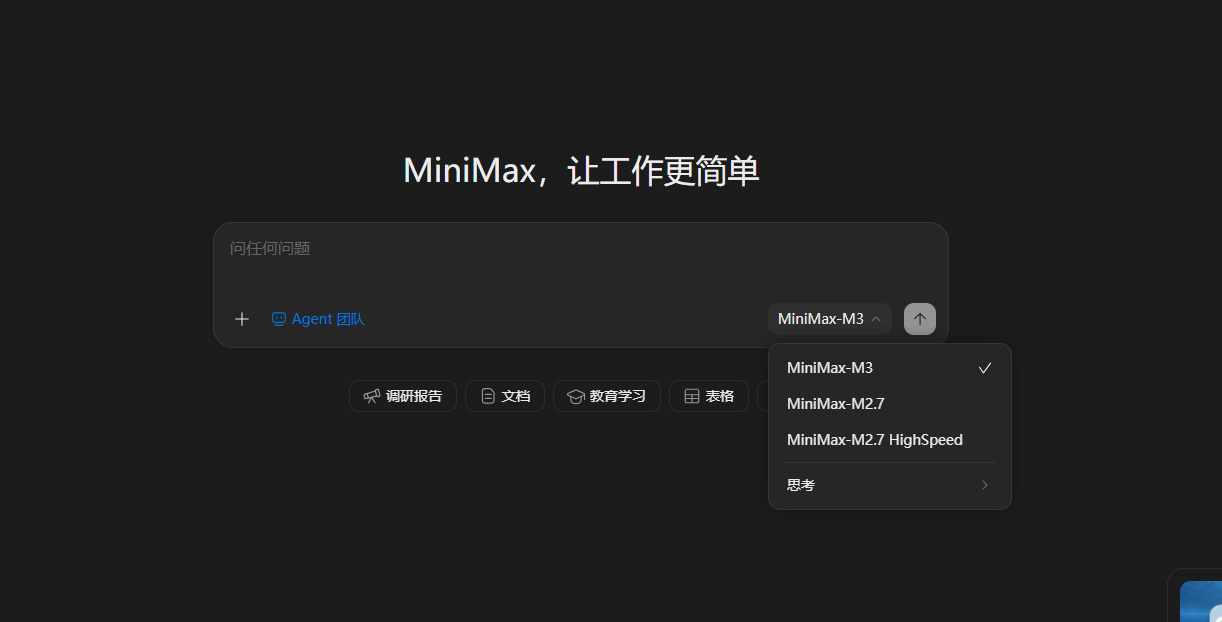
Step 5: Paste into WriteX

Model select

Settings → MiniMax → paste the key that matches your plan → Test & save.

Related

  • Configure your model API in WriteX
  • All API Key tutorials

Related reading

  • Configure your model API in WriteX
  • Which models are supported?
Download
WriteX

Local-first AI writing workbench

Download

Docs

  • Features
  • Tutorials
  • Tips & guides
  • Release notes
  • FAQ

Product

  • Scenarios
  • Download
  • WriteX vs Notion
  • WriteX vs Obsidian

Support

  • Contact
  • GitHub Issues

Legal

  • Privacy

© 2026 WriteX · Public Beta

闽ICP备2026027157号-1 闽公网安备35021302000930号